Browse Deals
Browse Deals
Section titled “Browse Deals”The Deals page is the main public entry point of the platform.
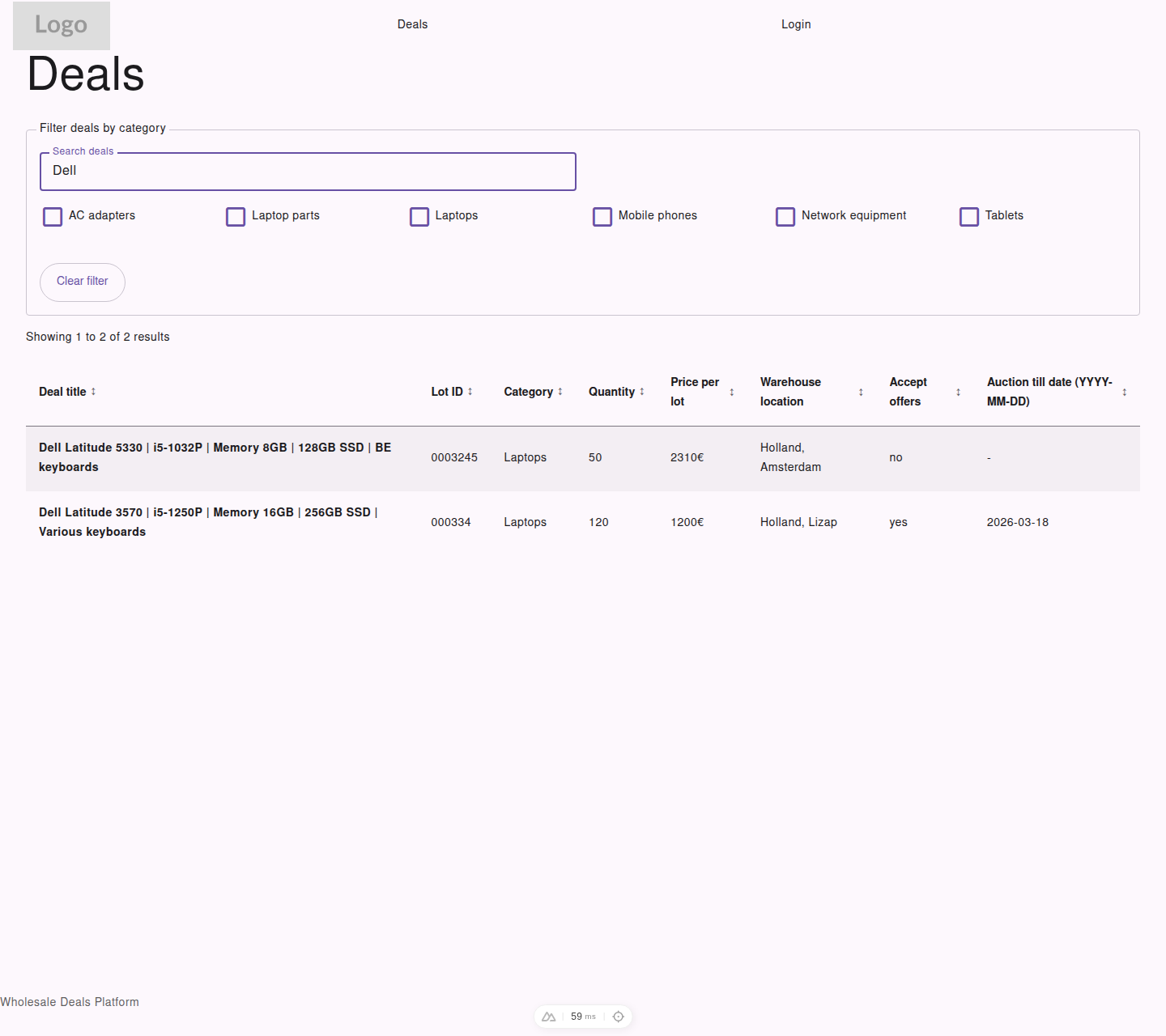
Visitor view of the main deals list with search, category filters, sorting, and public results.
What You See in the Deals List
Section titled “What You See in the Deals List”Each row shows core deal information, including:
- deal title
- lot ID
- category
- quantity
- price per lot
- warehouse location
- whether offers are accepted
- auction end date
Visitors see active public deals only.
Ways to Find Deals
Section titled “Ways to Find Deals”You can narrow the list by using:
- the search field
- category filters
- sortable column headers
- pagination buttons
Sorting
Section titled “Sorting”You can sort the deals list by clicking column headers such as:
- title
- lot ID
- category
- quantity
- price
- location
- whether offers are accepted
- auction end date
Resetting Filters
Section titled “Resetting Filters”Use Clear filter to remove the current search and filter selections.