Review Offers and Activity Log
Review Offers and Activity Log
Section titled “Review Offers and Activity Log”Open a deal detail page as a seller to review seller-only monitoring information.
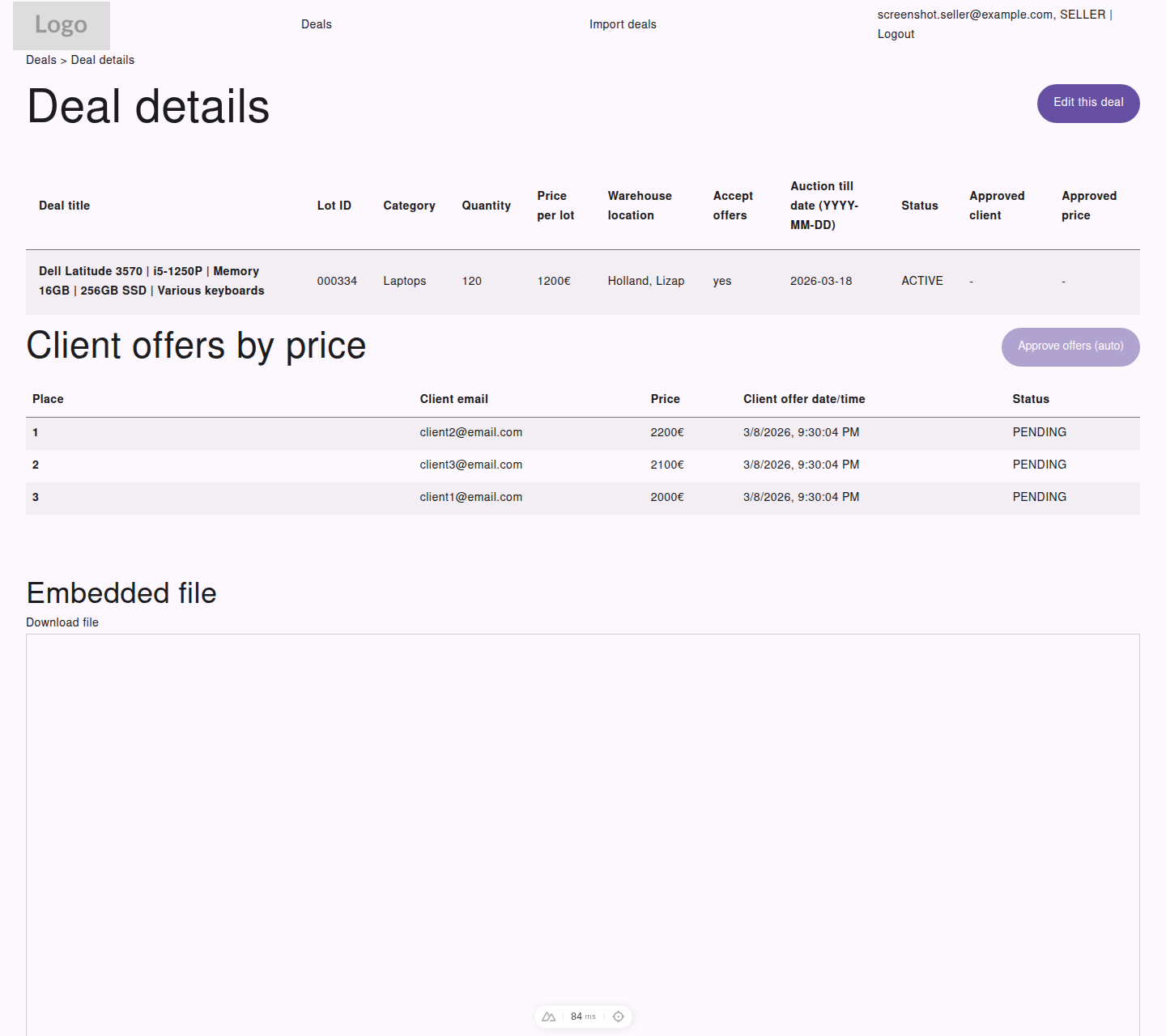
The seller detail page ranks incoming offers so it is easy to compare bidders at a glance.
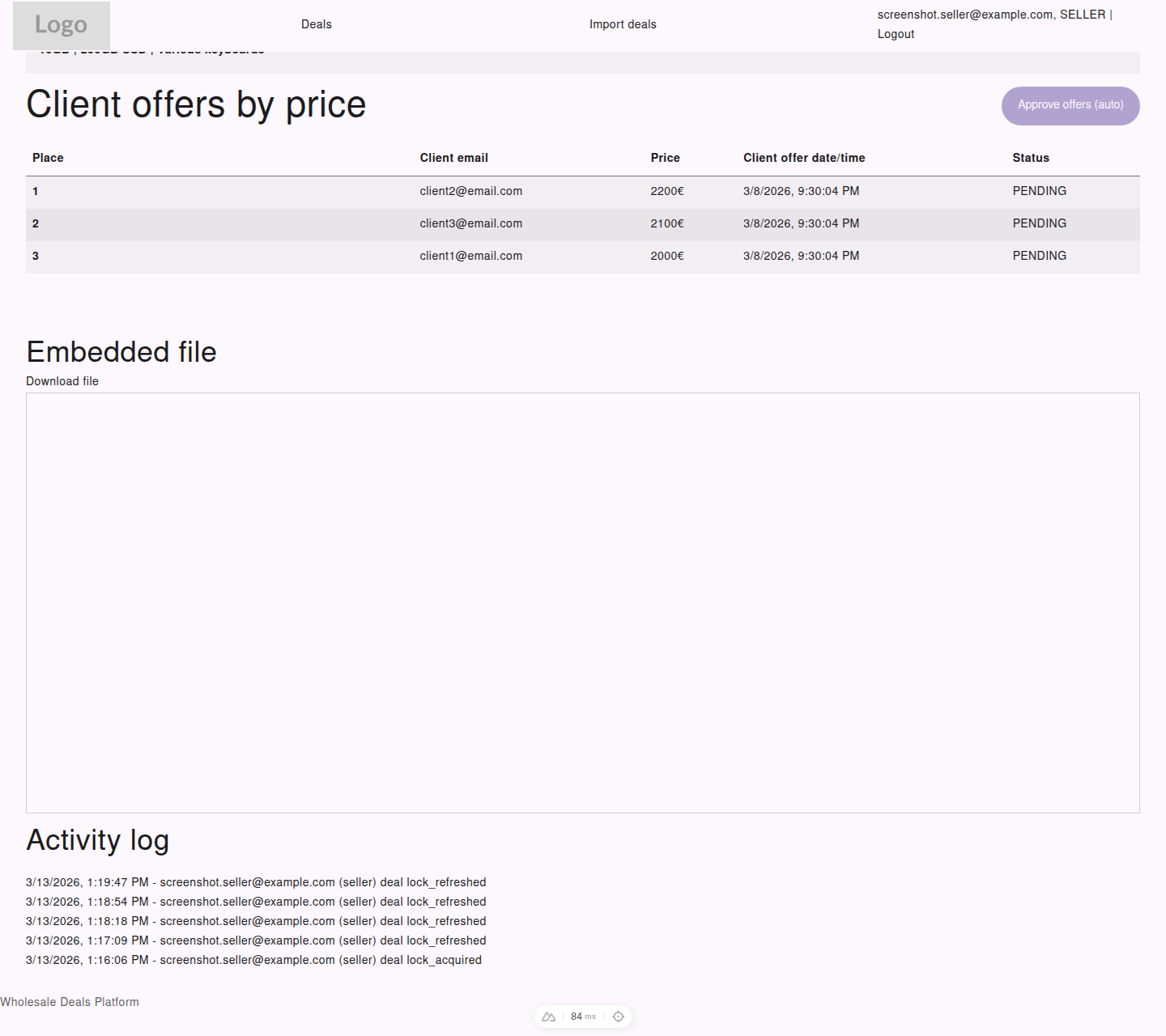
Lower on the same page, the activity log shows a timestamped history of important actions on that deal.
Ranked Offers
Section titled “Ranked Offers”For deals with customer activity, sellers can review:
- offer ranking
- customer email
- offered price
- submission date and time
- offer status
This helps sellers understand how the deal resolved and who the winning customer is.
Approved Customer and Price
Section titled “Approved Customer and Price”On the seller detail view, the deal summary can also show:
- approved customer
- approved price
- current deal status
Activity Log
Section titled “Activity Log”The Activity log helps sellers trace what happened on a deal over time.
Depending on the deal history, it may include events such as:
- deal creation
- deal updates
- offer submissions
- deal closure
- cancellation
Use the activity log when you need a clear timeline of changes.